Long jobs
Keep a build, export, download, or backup moving while you step away.
A quiet utility for macOS
Downloads finish. Builds complete. Remote sessions stay reachable. Wake My Mac keeps the machine working after you stop watching it.
Native macOS app · Runs locally · macOS 14+
No accounts.
No cloud dashboard.
Just a Mac that knows when to keep going.
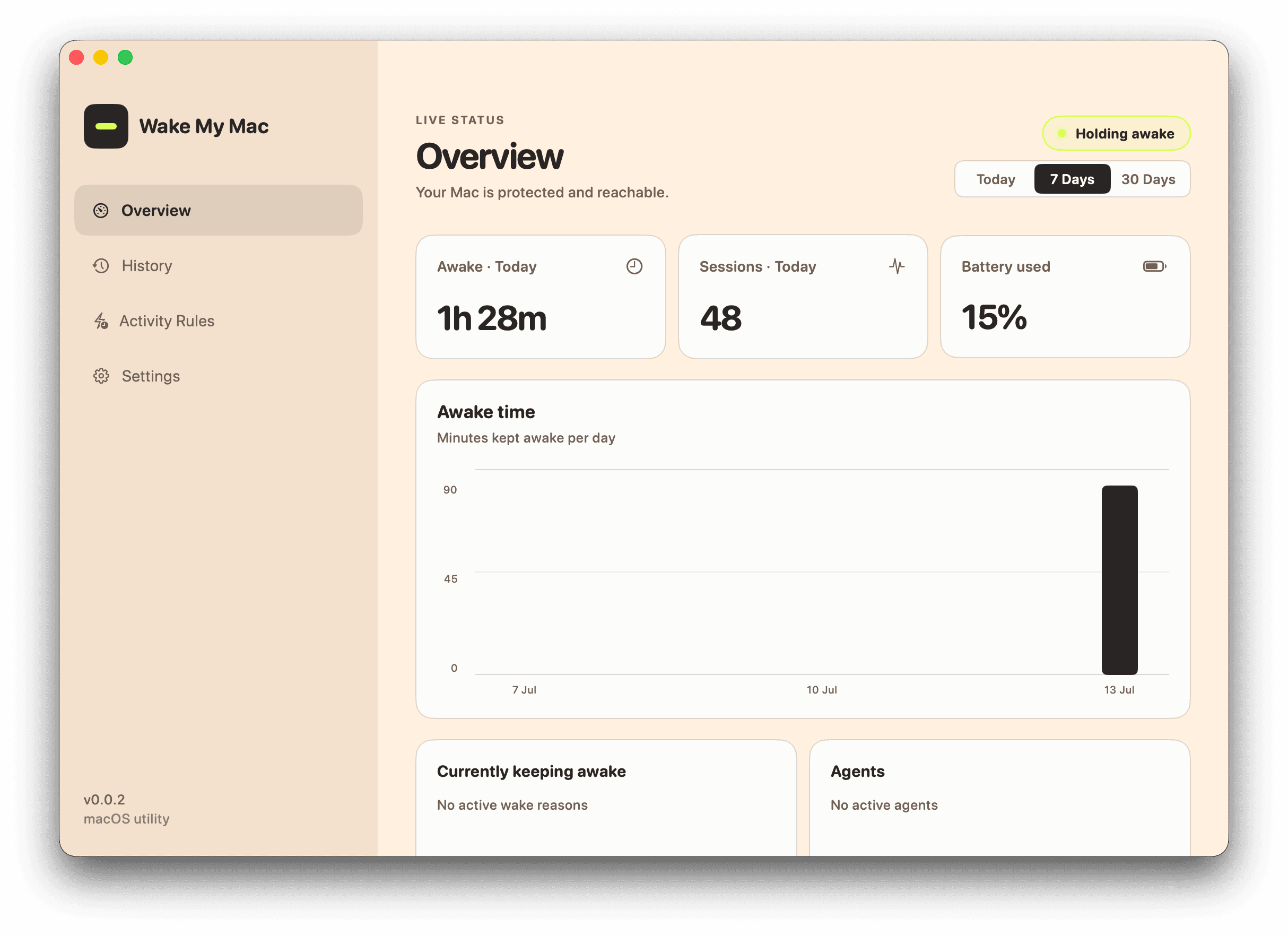
The problem is small. The interruption isn’t.
macOS is right to sleep when you’re done. The trouble is that “done” is sometimes a download at 94%, a build on its last step, or a server you still need to reach.
Wake My Mac gives you a clear, local switch for those in-between moments — then gets out of your way.
How it works ↗Made for the waiting parts
Keep a build, export, download, or backup moving while you step away.
Your Mac can stay reachable for SSH, remote access, and services in the background.
Choose when it holds, when it stops, and what happens on battery. Then leave it alone.
The Wake My Mac rule
Built for macOS, not wrapped around it.
Your activity stays on your Mac.
Set the conditions. Know what happens next.
Looking for a Mac caffeine app?
If you searched for “hold my Mac awake,” an Amphetamine alternative, a Caffeine app, or KeepingYouAwake, Wake My Mac is built for the same core job: prevent sleep while the work you started is still running.
It keeps the useful parts simple—closed-lid support, battery guardrails, and local controls—so a long download, coffee break, build, render, or SSH session can finish without a cloud account.
It keeps your Mac awake when something important is still running. You can use it for long downloads, builds, exports, presentations, remote access, and SSH sessions — with the lid open or closed.
No. Wake My Mac separates keeping the Mac awake from keeping the display on. You decide what happens when the lid closes or a task finishes.
Yes. Set a battery cutoff, choose whether it should work only while plugged in, and let Wake My Mac respect Low Power Mode when you need to save energy.
No account is required. Wake My Mac runs locally on your Mac and keeps its activity history there.
Wake My Mac supports macOS 14 Sonoma and later.
A better default
Wake My Mac is free to download, takes a minute to set up, and stays out of the way until your Mac needs a little more time.
Download for MacFree · macOS 14 Sonoma or later